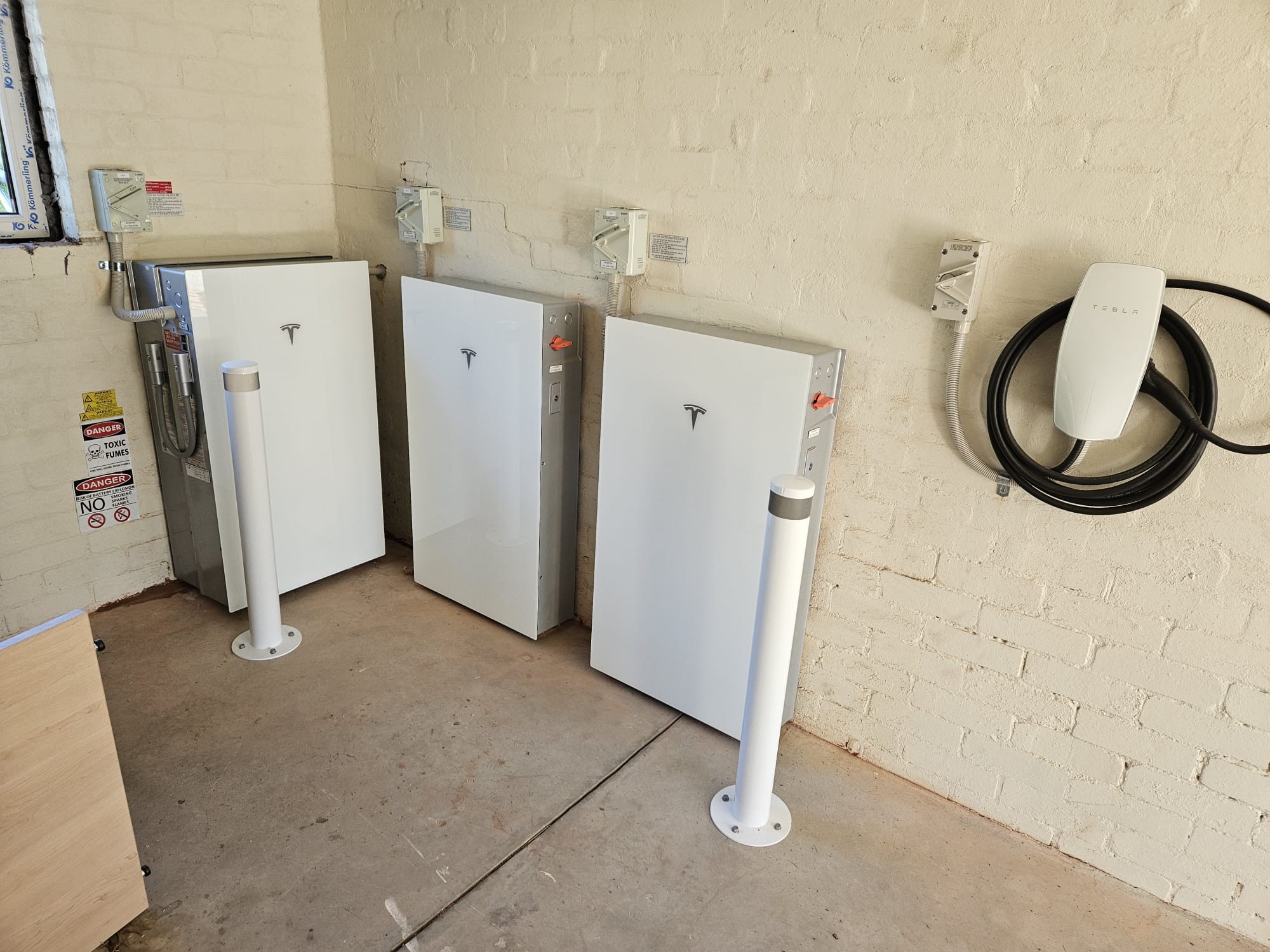
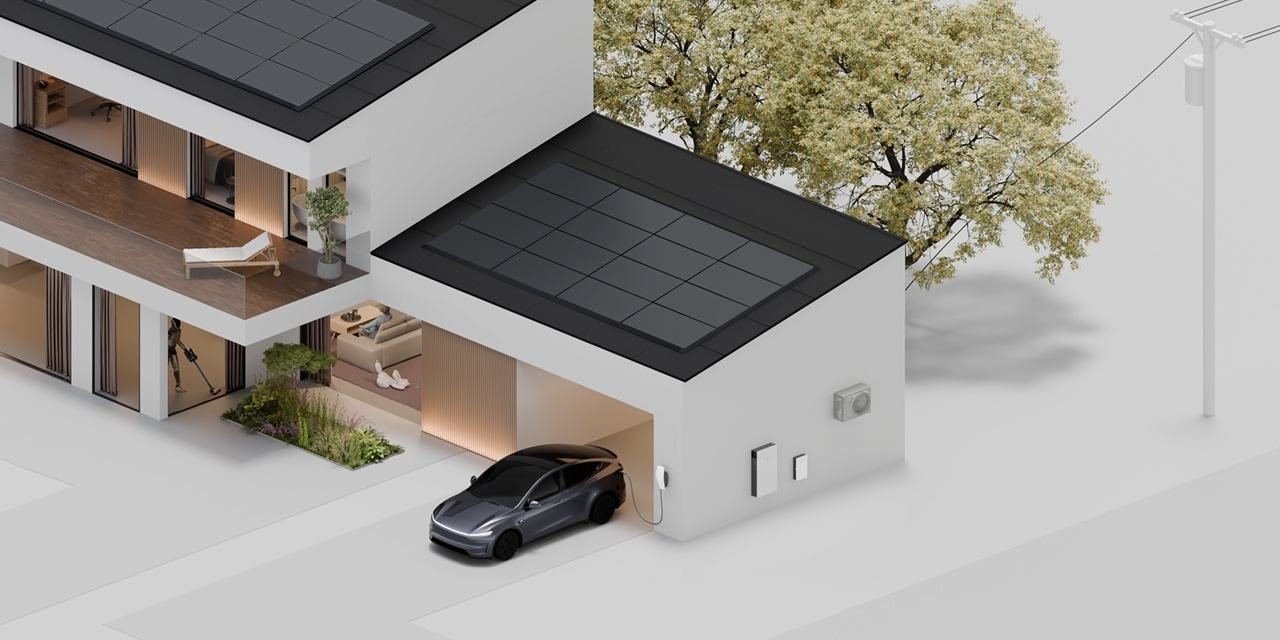
Tesla has released Smart Charging, a Tesla app feature that lets a Powerwall and a paired Tesla Wall Connector plan your EV charging around your solar, your electricity rate plan and when you need to drive.
It works with any EV that can charge from a Tesla Wall Connector, not only Teslas. In Australia the Wall Connector has a Type 2 plug, the standard AC connector on new EVs sold here, so it suits most EVs sold here, not only Teslas. If you drive a non-Tesla EV, you can now charge it on excess solar, managed from the same app as your Powerwall.
How Smart Charging works
Smart Charging builds a plan from your solar production, your home energy goals and your driving needs, then charges the car at the best times. You set two things in the Tesla app.
Charging target. The minimum kWh your car needs for daily driving. Smart Charging always delivers at least this much, and the app shows a kilometre estimate to help you choose. Once the target is met, the car keeps charging only from low-cost energy or excess solar.
Departure time. When you plan to unplug. Smart Charging makes sure your target is reached by then. Plug in as early as you can, ideally when you get home, so the system has the longest window to work with.
It will charge up to your car’s charge limit when the target and departure time allow, and never past it.
Charge on Solar or Low-Cost Charging
You choose one of two modes. They can’t run together, and each needs your Powerwall in a specific operating mode.
Charge on Solar (Powerwall in Self-Powered mode). Excess solar is the main source. If the forecast shows too little excess solar to reach your target, the system uses Powerwall or grid energy to make up the difference. After the target is met, the car charges only from excess solar. To charge on solar alone, set the target to 0 kWh.
Low-Cost Charging (Powerwall in Savings mode). This uses your rate plan and solar forecast to reach your target at the lowest cost, then keeps charging from the cheapest source available, including solar. It suits time-of-use plans with a cheap overnight or free midday window.
During a Storm Watch event, Powerwall may take excess solar ahead of the car so it is full if an outage hits.
Tesla drivers still have Enhanced Charge on Solar, which is Tesla-only and sits in a different part of the app. Smart Charging’s Charge on Solar works with any compatible EV.
What you need
- Powerwall 2 or Powerwall 3 on firmware 26.34 or later
- Tesla Wall Connector Gen 3 on firmware 26.34 or later
- Tesla app version 4.57.5 or later on a recent iPhone or Android phone. If your phone’s app store offers the current Tesla app, you’re covered
- Powerwall and Wall Connector paired, registered to the same site and on the same Wi-Fi network
- Your phone paired to the Powerwall (in the app under Configure > Phone Pairing)
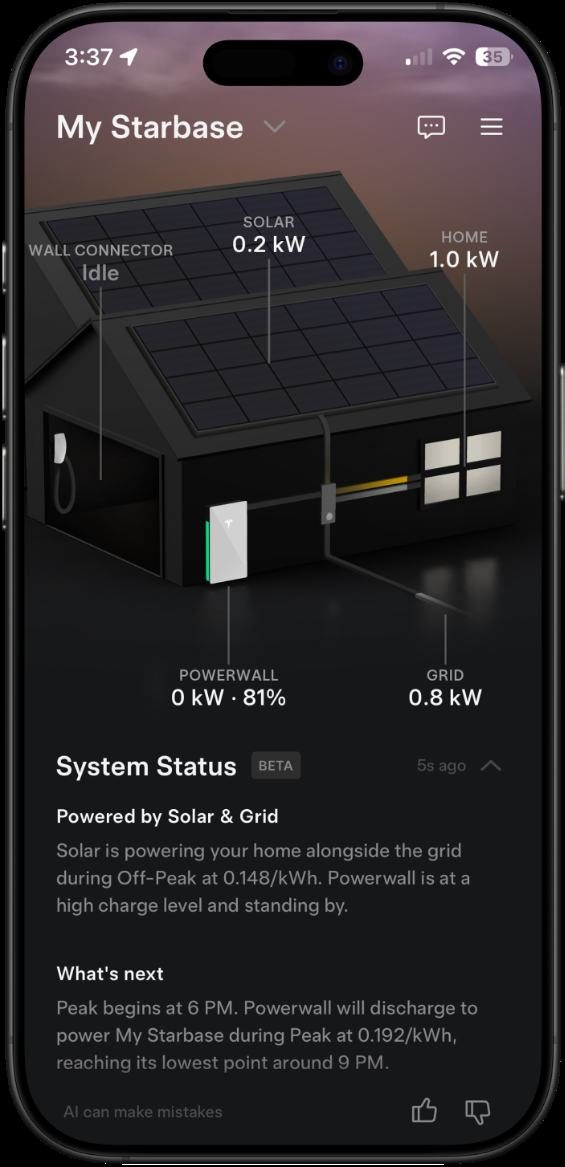
To turn it on, open the Tesla app and go to Settings > Vehicle Charging > Set Charging Configuration, then follow the prompts. You change your target, departure time or mode from the same menu. Tesla’s Smart Charging support page has the full details.
Tesla rolls out firmware updates gradually, so Smart Charging may not appear in your app straight away. Your Powerwall and Wall Connector update automatically while they are online, and the setting shows up once both are on firmware 26.34 or later.
Setting it up for the best results
Strong Wi-Fi at the charger. Smart Charging relies on the Powerwall and Wall Connector sharing your home Wi-Fi. On Wall Connector installs we check signal strength at the charger, and a mesh node or access point near the garage keeps it reliably online.
One Wall Connector per site. Smart Charging runs on a single Wall Connector. Any others can be set in the app to charge whenever a car is plugged in, or on their own schedule.
Smart Charging replaces other schedules. It isn’t compatible with manual Wall Connector schedules, and Tesla recommends turning off any charge schedule set in the car so Smart Charging can reach your target on time.
Minimum charging power. An EV needs a minimum amount of power before it starts charging, and that minimum depends on your grid connection and charging equipment. In Charge on Solar, charging begins once excess solar passes that threshold.
Need the car sooner? Tap Start Charging in the app to charge straight away. Smart Charging stays the default and resumes the next time you plug in.
What are the next steps
If you already have a Powerwall and a Wall Connector, check both are on firmware 26.34 or later, update the Tesla app and run through the setup. If the option isn’t there yet, the update is likely still on its way to your system, so check again in a week or two. If you drive a non-Tesla EV and are weighing up a battery, a Powerwall with a Tesla Wall Connector now manages solar, battery and car charging together from one app.
Why Pure Electric: We’re a Tesla Premium Certified Installer, so your Powerwall and Wall Connector are designed, installed and commissioned by a team that specialises in Tesla Powerwall systems.
Want to know if your home suits Smart Charging, or thinking about adding a Powerwall or Wall Connector? Get a free quote.